
Burning Bridges AI: Turn One Photo Into the Party Clip
Burning Bridges AI puts one portrait in the lead of a 16-second party clip. The room, the crowd, the camera and the song stay with the template. You pick 720p or 1080p, wait 2–10 minutes, and download a file that already has the track.
- 1 photo to start
- Includes the song
- 2–10 min to render
- 720p or 1080p
Four moments in a 16-second clip
Close-up smile
2 s
Back to the beat
5 s
Rally the room
5 s
The final search
4 s
Pay per video with credits. Failed videos are refunded automatically.
How to make a Burning Bridges AI video in 3 steps
Start with the template rather than a blank prompt: its party scene, choreography and soundtrack are already set.
- 1
Choose your portrait
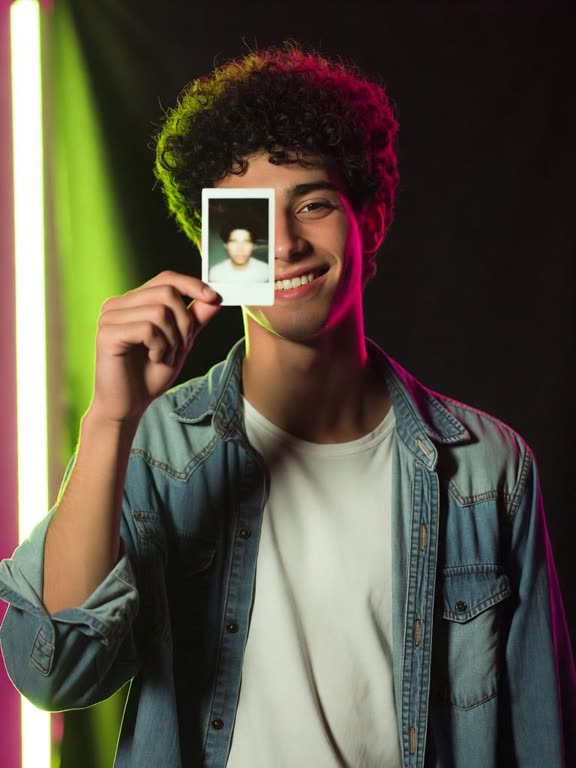
Choose a phone photo with one adult, a visible face and a head-to-waist view. Burning Bridges AI supplies the cup and the party, so an everyday outfit is fine. Leave out sunglasses, strong filters, children and celebrities. JPG or PNG, at least 341 px on each edge.
- 2
Review and generate
Pick Standard 720p for 100 credits or Pro 1080p for 200. The button states the cost before anything is charged. Tick the box confirming everyone pictured is an adult who agreed to appear, then start the 16-second Burning Bridges AI clip.
- 3
Save the finished clip
Allow 2–10 minutes, even if you close the tab. Open My videos for the Burning Bridges AI file with its song. Download it before the video and the photo are deleted after 7 days. Posting it on social media is personal use under the terms.
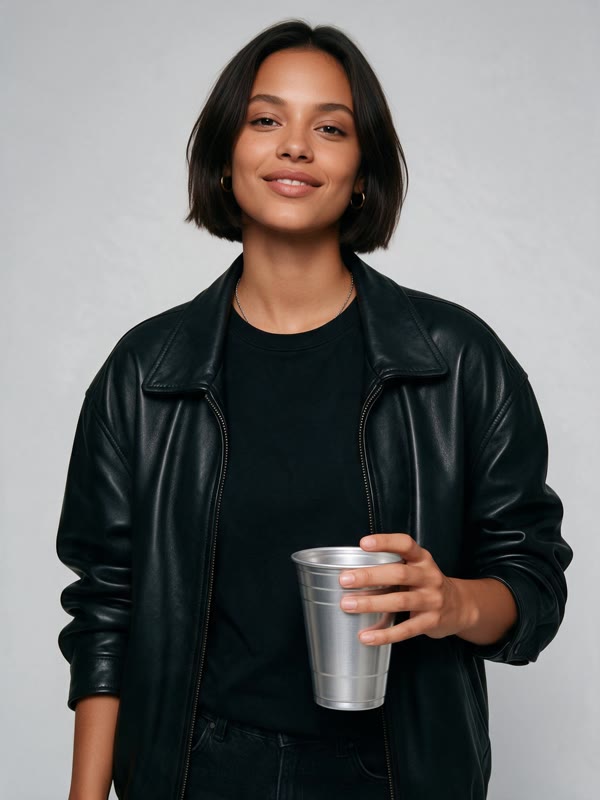
Source portrait
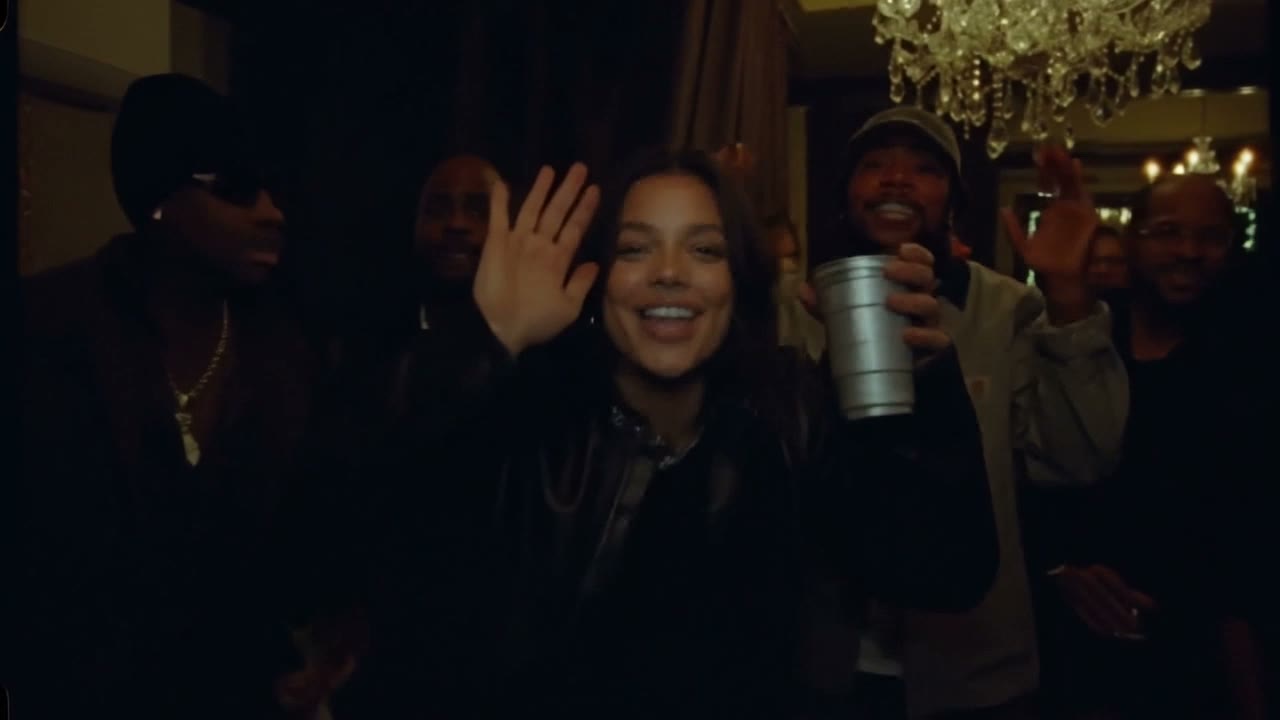
Generated scene
What does a Burning Bridges AI video include?
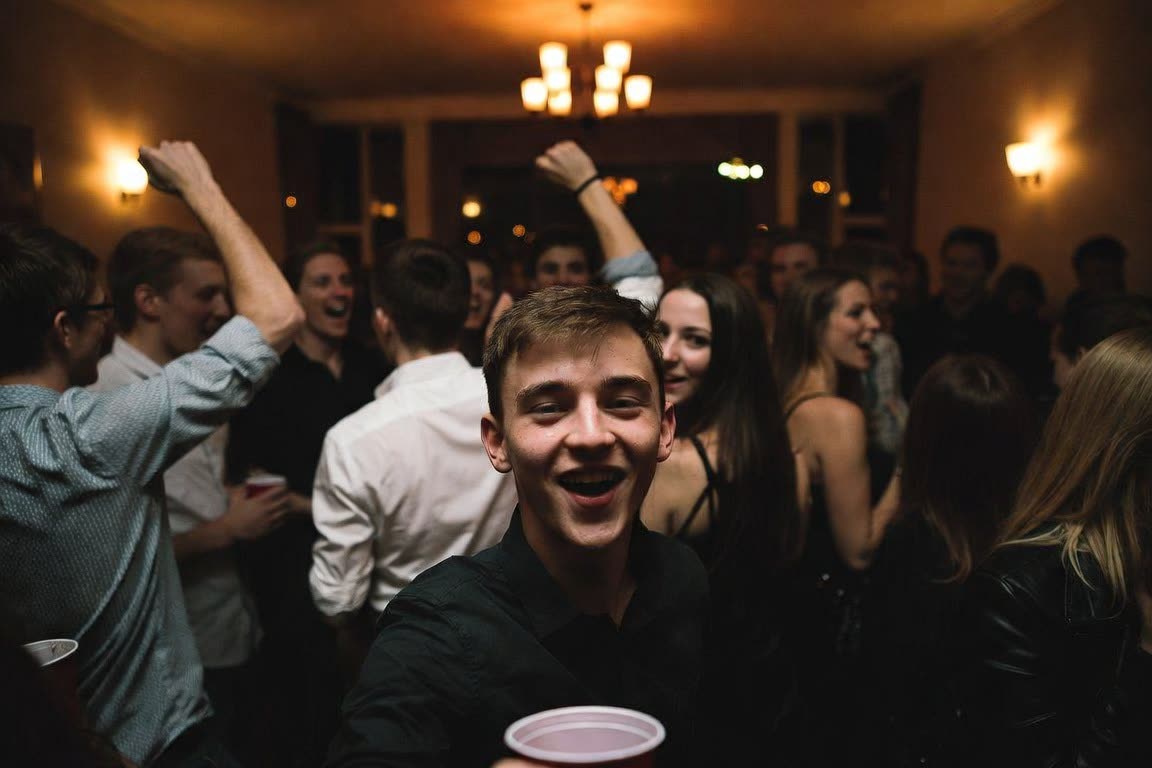
A 16-second party clip
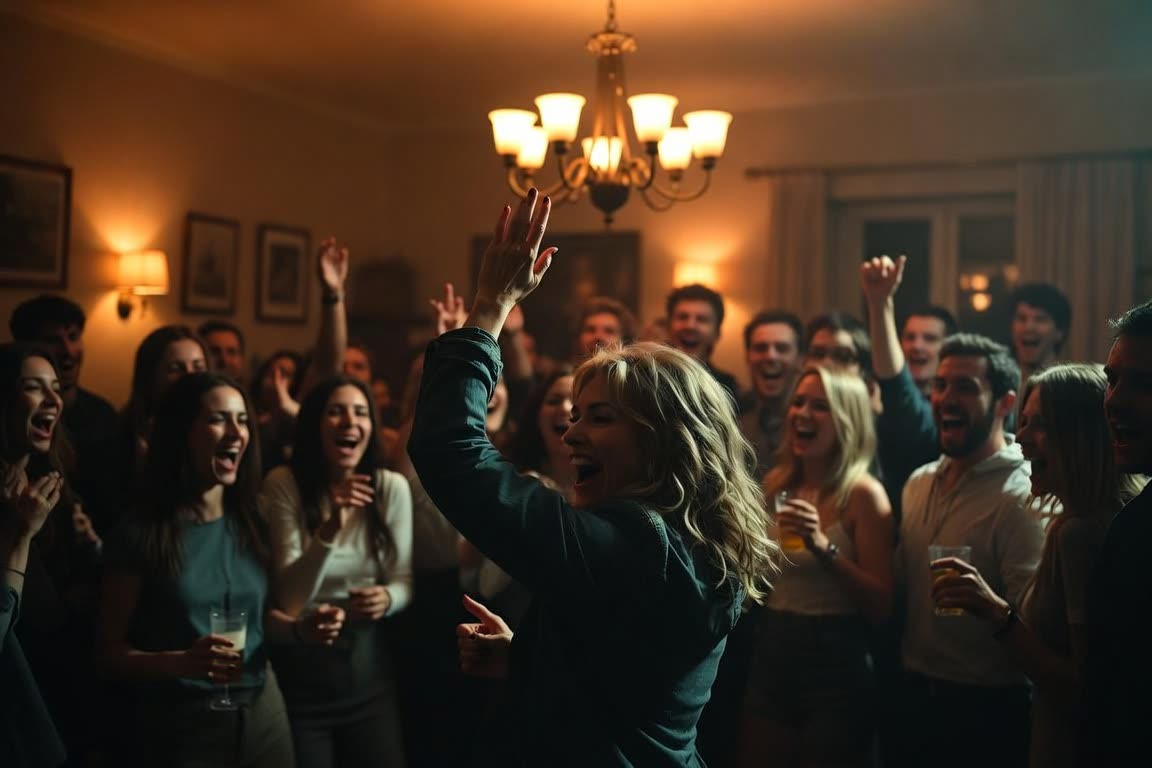
Burning Bridges AI gives you one continuous 16-second party clip, not a stack of random shots. It opens on a close smile with a silver cup, steps back into the beat, opens toward the room, and ends on the look-around. The same four beats play every time, so the joke still lands when your photo is the lead.
720p for 100 credits, 1080p for 200
Burning Bridges AI has two qualities. Standard is 720p and costs 100 credits. Pro is 1080p and costs 200 credits. There is no 480p tier on this template. The button shows the cost before you start, and a failed render returns those credits automatically.
The song is already in the download
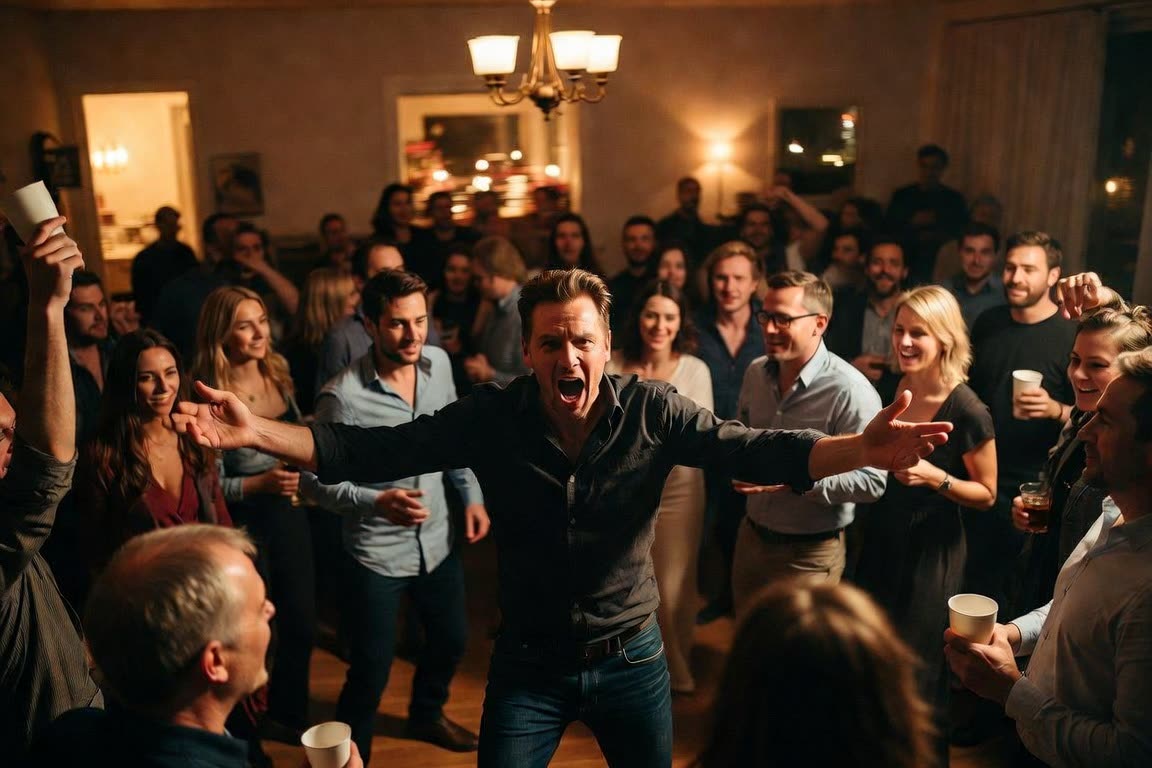
Burning Bridges AI does not ask you to upload a beat or paste lyrics. The template song is mixed to the movement and is already in the file you download. You can still pick the platform’s own sound when you post, if you would rather use that version.
Ready in 2–10 minutes
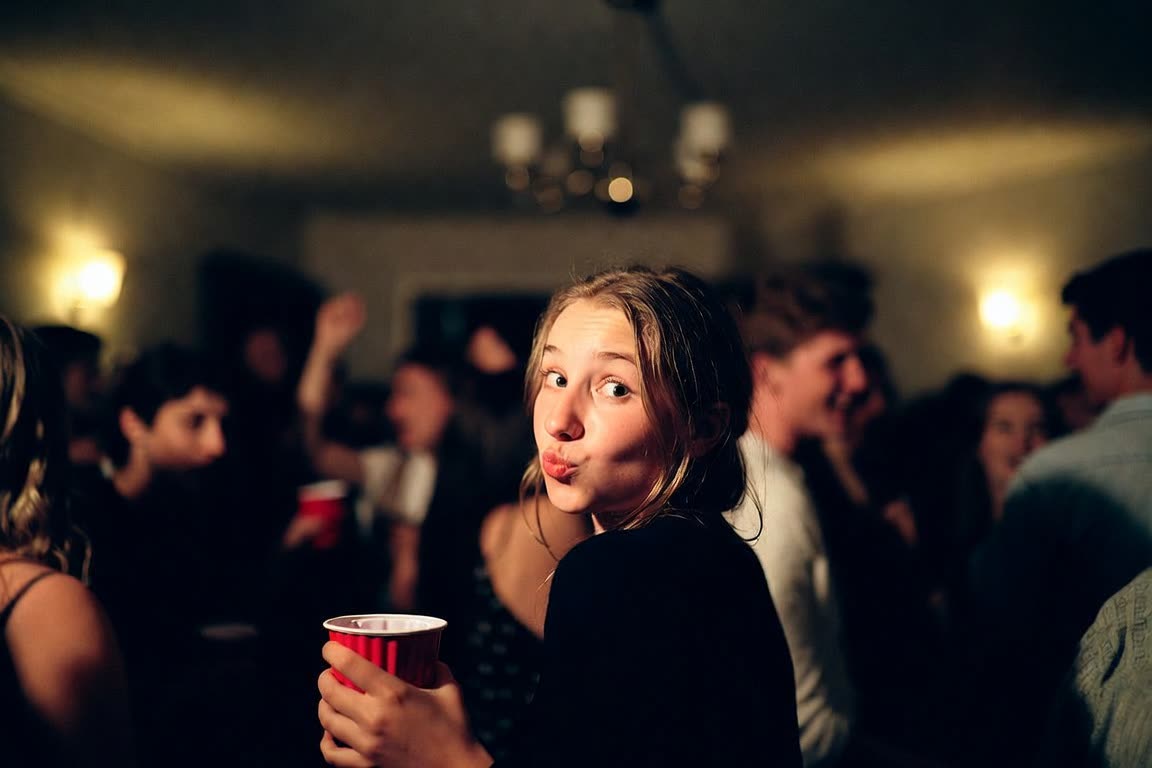
Burning Bridges AI usually finishes in 2–10 minutes, and busy periods can take longer. Closing the tab does not cancel the job. The finished clip waits in My videos. Download it within 7 days, because the video and the source photo are deleted after that.
Who is Burning Bridges AI for?
Friends sending a party cameo
Burning Bridges AI is for the friend who should be in the party for one loop of the song. You only need that person’s portrait. The crowd in the clip stays the template crowd, so you are not casting the whole room. Send the download in a chat or post it once you have saved a copy.
You, with one clear photo
Burning Bridges AI fits when you are the only person going in. A phone photo from head to waist is enough. Everyday clothes are fine, because the cup and the party wardrobe are part of the scene. Use a photo you are allowed to use, of an adult, with the face easy to see.
Creators posting the party trend
Burning Bridges AI is a fixed 16-second vertical-ready party clip with the song already inside, which is the length of one short post. You do not edit a timeline or write a prompt. Personal use and posting on social media are covered by the terms. The video is not a grant of commercial-ad rights.
People who want the punchline ending
Burning Bridges AI keeps the ending people recognize. On the “where she at?” line, the lead shades their eyes, looks around the room, then smiles and waves with the cup up. If that beat is why you want the clip, this is the template. Outstanding Tiny Desk, ATEEZ Drip and No Hands Dance do not play this party sequence.
Which photos work best for Burning Bridges AI?
Burning Bridges AI reads one face and builds the lead around it. A sharp, front-facing photo gives the model fewer angles to invent. Dark glasses, heavy filters and a second person in frame make the likeness less stable. You do not need party clothes or a cup in the still. The scene supplies both.
Check your photo first
- Choose a solo portrait so the model has only one face to follow.
- Include the head and waist; a full-length shot also works.
- Keep facial details clear with balanced light, no dark glasses or strong filters.
- Vertical or square; each edge must be at least 341 px.
- Adults who agreed to appear only; no children or celebrities.
What happens in the Burning Bridges AI video?
The Burning Bridges AI template keeps the original Burning Bridges sequence intact. Across 16 seconds, the person in the photo moves through these four moments.
0–2 s
Close-up smile
The lead moves in toward the lens, slowly smiling and holding the silver cup up to the camera.
2–7 s
Back to the beat
A step back rejoins the crowd; the arms sweep across the body as the dancing settles into the rhythm.
7–12 s
Rally the room
Arms open toward the crew to stir up the party, followed by a finger pointed right at the viewer.
12–16 s
The final search
On “where she at?”, a hand shades the eyes for a look around the room. A smile and a wave close the scene, with the cup held high.
Burning Bridges AI vs filming it yourself
Check the setup for each approach: a live party shoot needs a crowd, while this template uses a portrait.
| Arrange a live shoot | Use this template | |
|---|---|---|
| Materials | Gather friends in a party space, find a handheld camera operator and bring a silver cup | A clear solo portrait |
| Schedule | Allow for practice and retakes to match the sequence’s timing | Upload the portrait; allow 2–10 minutes for rendering |
| Preparation | Practise the choreography, then edit your shots against the track | The moves and music are preset; no skills required. |
| Budget | No charge if the people and venue are already available to you | 720p: 100 credits; 1080p: 200. Packs from $9.90 |
Where does the Burning Bridges trend come from?
At the centre of the Burning Bridges trend is a crowded party room and a man wearing a black leather jacket. A handheld camera follows his smile, dancing and exchanges with the crew, accompanied by Drake’s 2026 track “Burning Bridges”.
The ending gives the sequence its joke: as “where she at?” plays, the lead shades his eyes and looks across the room as though searching for someone. He finishes smiling and waving with the cup up. Recreating that full 16-second sequence became a trend.
Rather than an open-ended dance, this clip has four clear cues to follow: move close for the smile, step back to the beat, rally the crew, then look around. Keeping those cues makes the scene recognizable even when a different person takes the lead.
On this AI rap video platform, Burning Bridges is a template you can choose for a one-photo cameo. The generated scene retains its room, crowd, camera movement and music around your lead. This is an independent fan tool with no affiliation to, or endorsement from, Drake or his label.
How much does a Burning Bridges AI video cost?
A Burning Bridges AI video costs 100 credits at 720p and 200 credits at 1080p. A failed video returns the credits.
Choose a one-time credit pack or a monthly or yearly plan. Use your credits for AI rap videos; failed videos are refunded automatically.
Give a friend credits and let them take the spotlight too.
Try
One-time
- 100 credits
- Credits last 12 months
- Failed videos refunded automatically
Popular
Save 16%
- 300 credits
- Credits last 12 months
- Failed videos refunded automatically
Best value
Save 29%
- 1000 credits
- Credits last 12 months
- Failed videos refunded automatically
Burning Bridges: 100 credits (720p) · 200 credits (1080p) · Outstanding Tiny Desk: 100 credits (720p) · 200 credits (1080p) · ATEEZ Drip: 50 credits (720p) · No Hands Dance: 50 credits (480p) · 100 credits (720p) · Thanksgiving Dance: 50 credits (480p) · 100 credits (720p) · I Love The Smiths: 50 credits (480p) · 100 credits (720p)
Burning Bridges AI FAQ
More AI rap video templates and tools
Make your own Burning Bridges AI video
Choose a portrait for the party template, review the settings and generate a clip with the song already included.
Try the party template