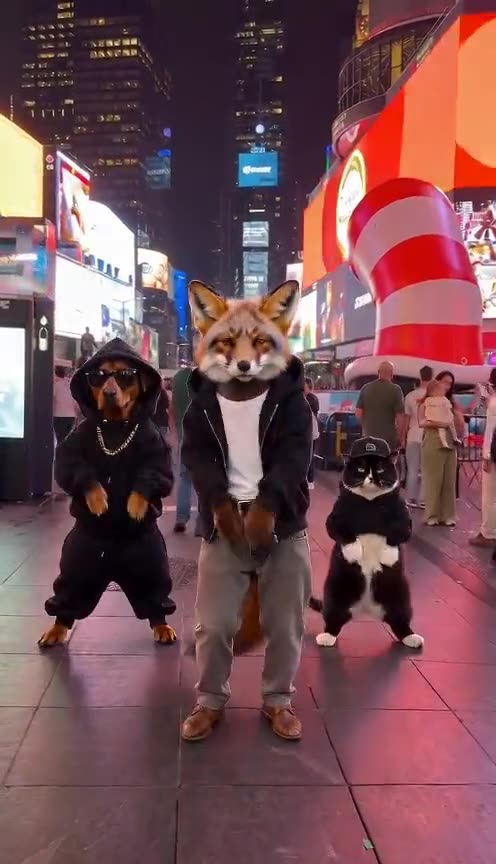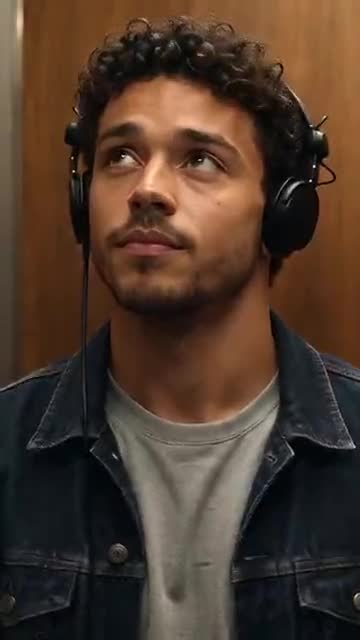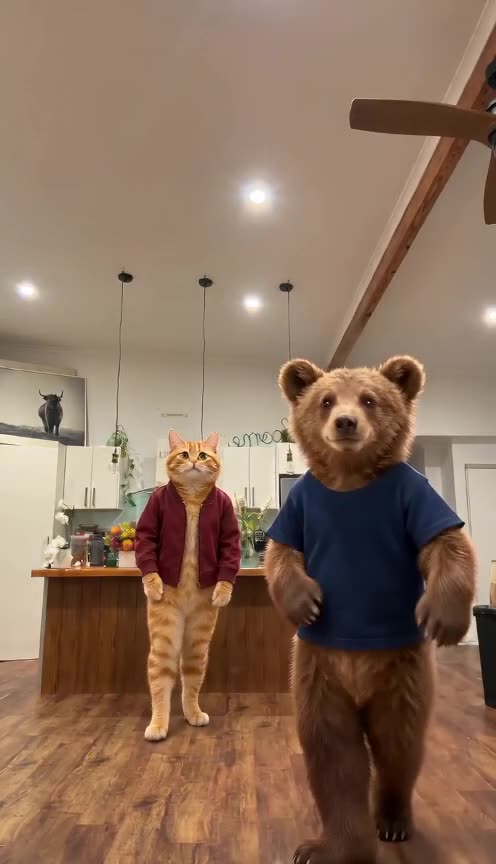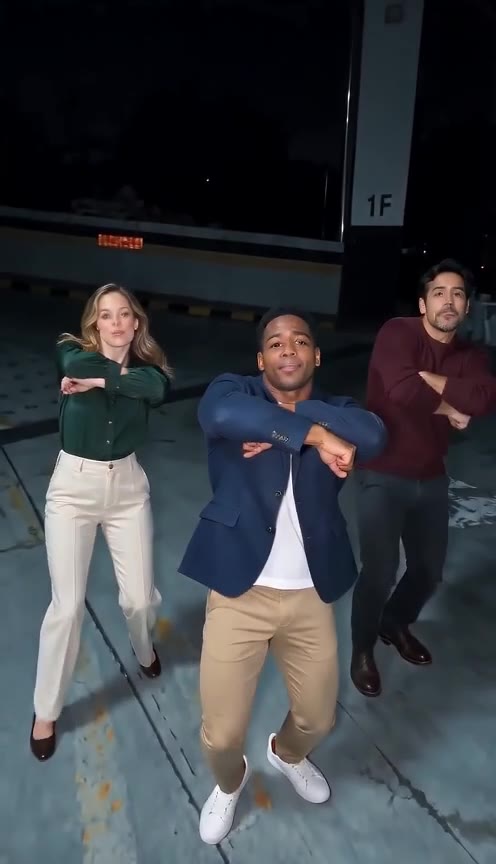

Why use photo to rap video?
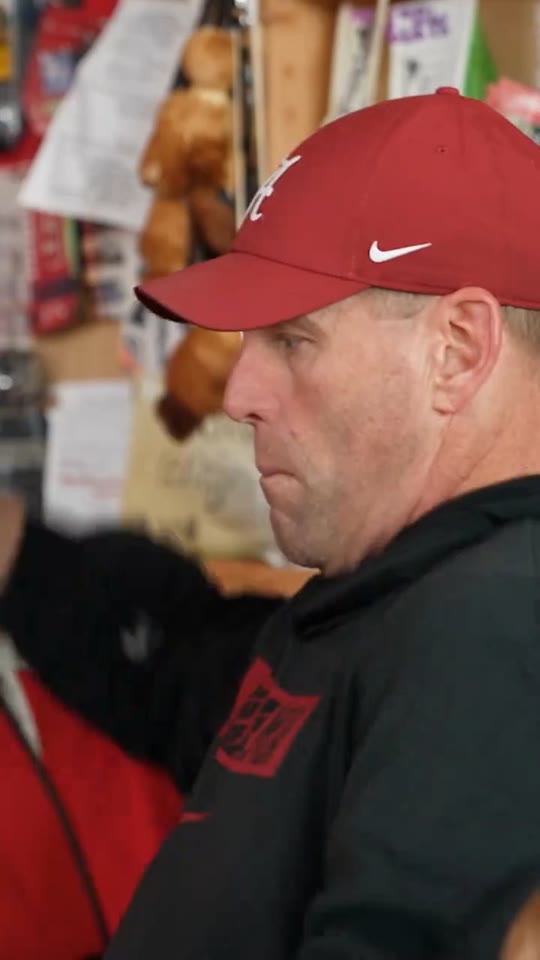
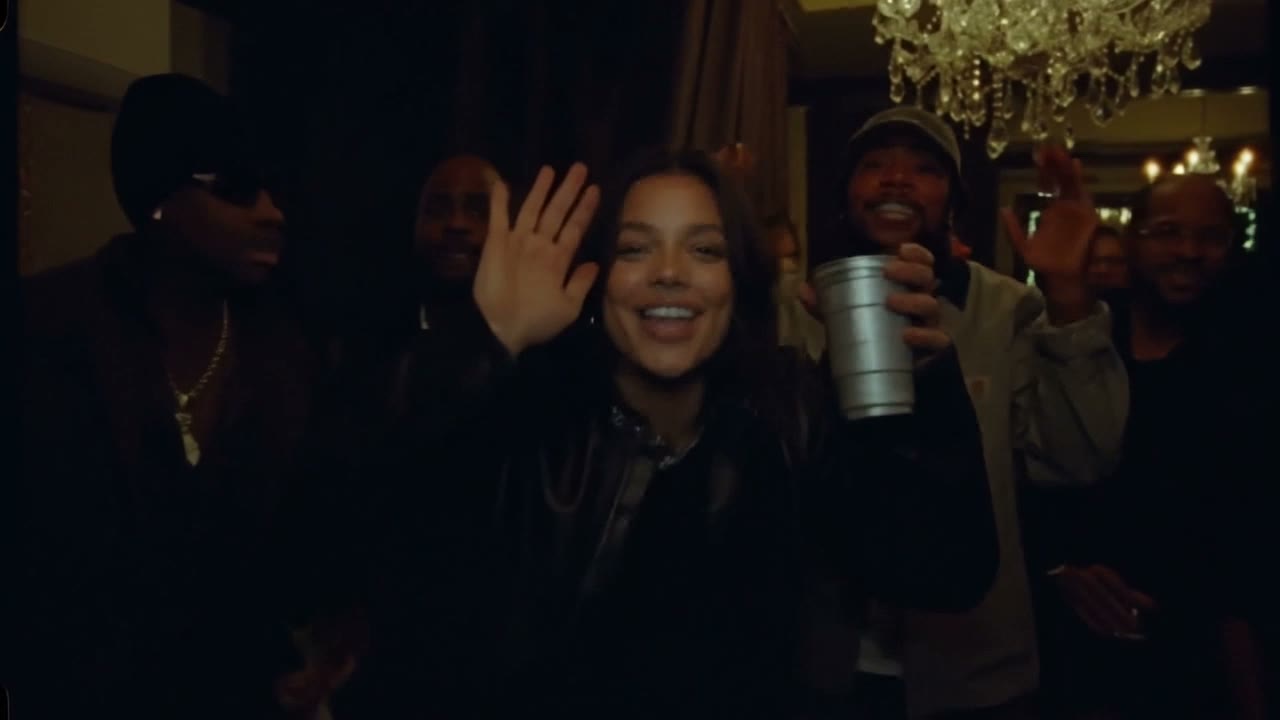
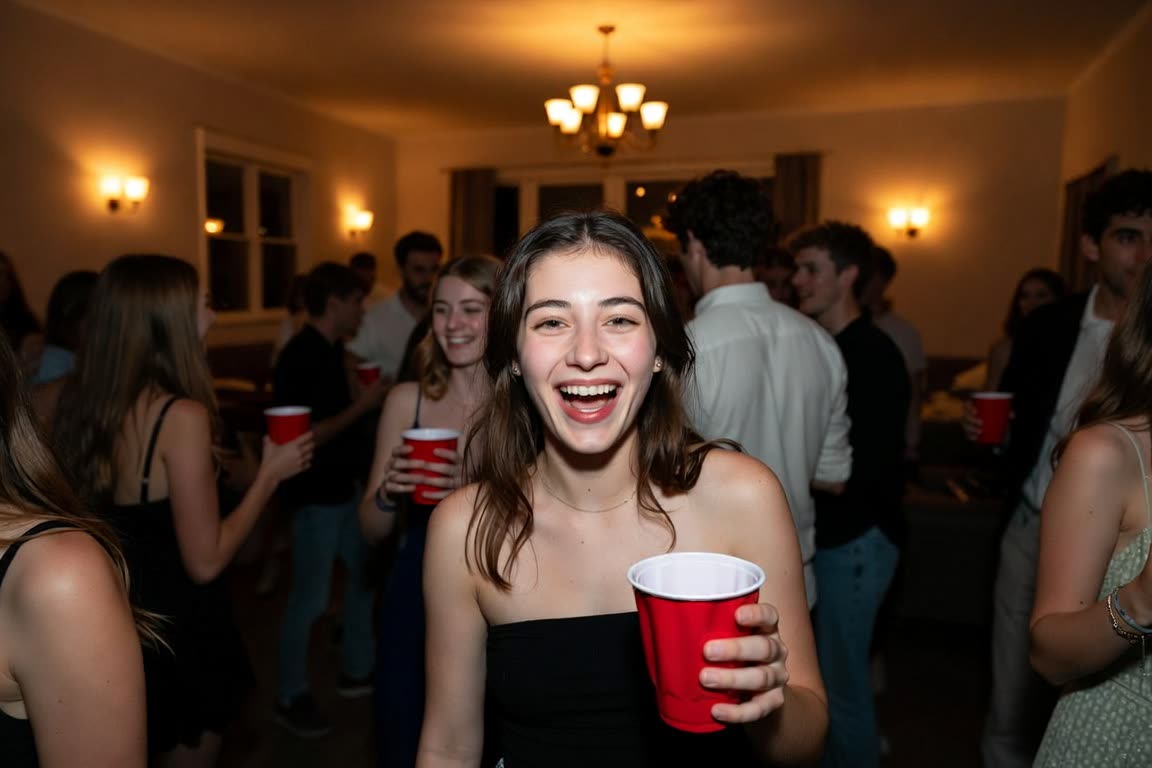
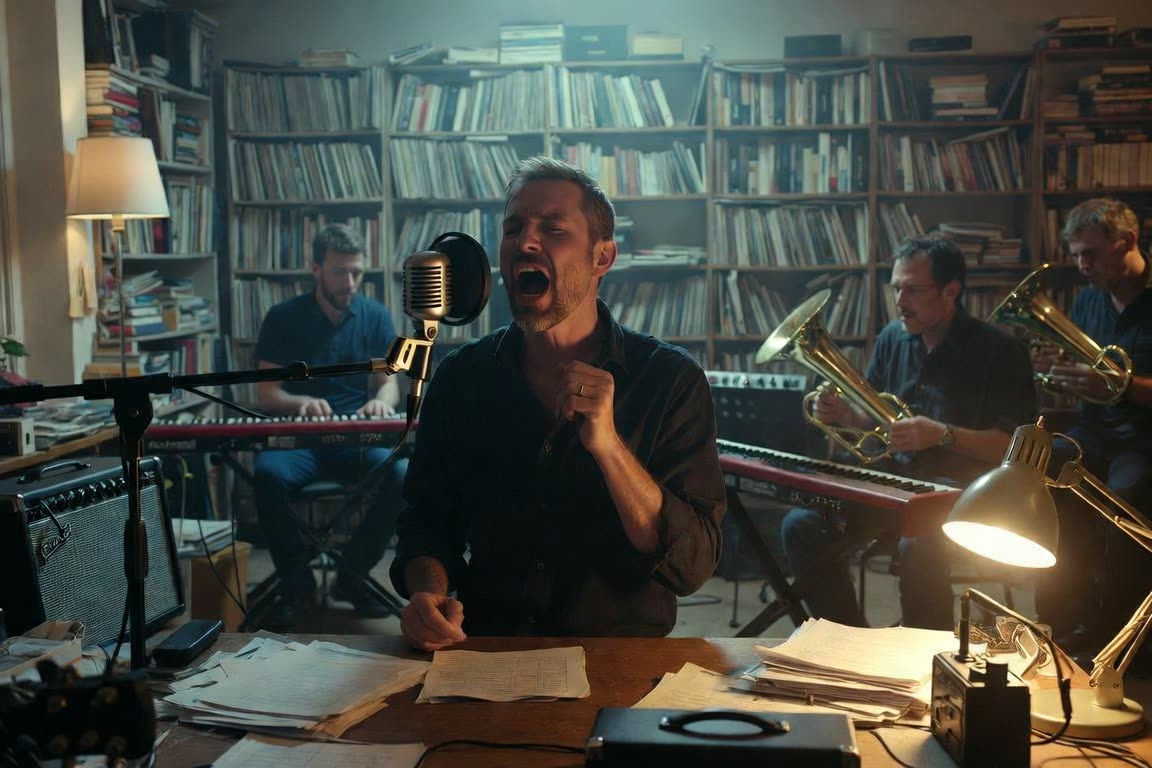
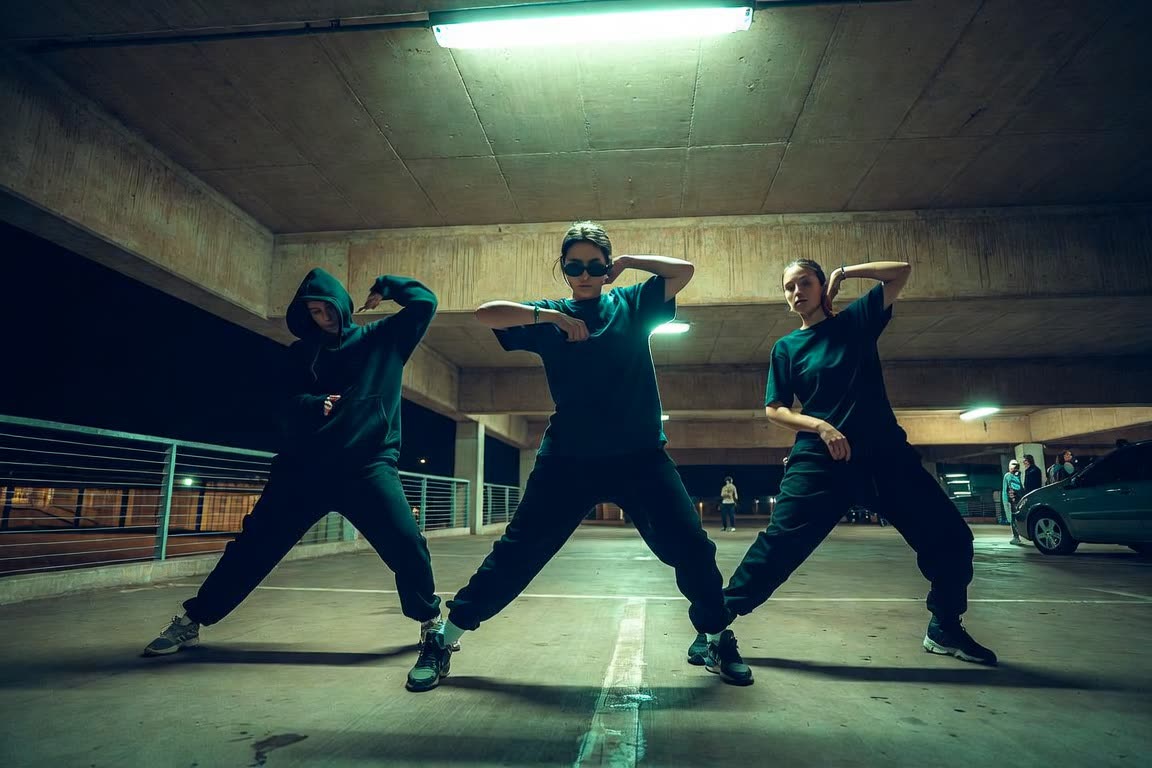
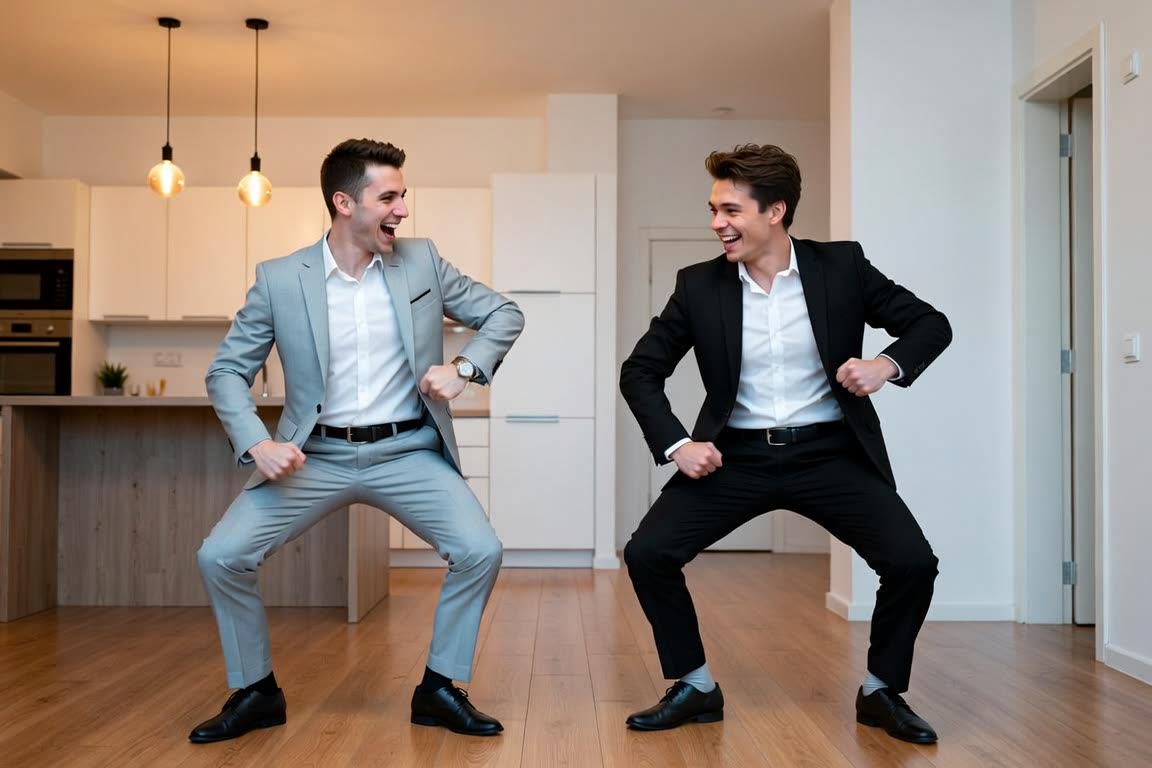
Photo to rap video is the path that works today when you want a person or a pet on screen. You are not writing a prompt and hoping a scene appears. You pick a finished template, add the photos it asks for, and the model places those subjects into that clip. The six live choices are Burning Bridges at 16 seconds, Outstanding Tiny Desk at 17, ATEEZ Drip at 15, No Hands Dance at 14, Thanksgiving Dance at 13 and I Love The Smiths at 15.
Photo to rap video keeps the song, the timing and the camera with the template. That is why a clear still matters more than a clever caption. Use one subject per photo, JPG or PNG, at least 341 pixels on each side, and only adults who agreed, plus pets on No Hands Dance and Thanksgiving Dance. The credit cost is on the button: 50, 100 or 200, depending on the template and the quality. Rendering usually takes 2–10 minutes and continues if you close the tab. Download from My videos within 7 days.
Photo to rap video is not the lyrics tool and not the song tool. Those are free writing, then audio for 10 credits after a preview. They do not put a face in a scene. If what you have is a verse and no photo, write or sing it there, and do not expect this page to turn the text into a video. That mode is not live. If what you have is a portrait, start here and open the template that matches the number of photos.