

AI Rap Generator: Write Lyrics or Make a Song

Explore one idea as a written verse or a full song. On Song, draft and edit lyrics for free before you generate audio.

Rap lyrics settings
0/200
Lyrics

Free · No sign-in · 4 seconds between requests

We do not save lyrics from this writing tool to your account. Using the song link passes your draft through this browser; generating a song saves its lyrics with that song task. Your input is sent to our AI provider.

How do you start a verse?

Start with a scene, a feeling, or a small detail. Your bars, rhyme colors, and syllable estimates will appear here.

How do you turn one idea into the output you need?

  1. 1. Draft and edit the words

    Describe a scene and point of view: a cook closing the kitchen, a runner missing the bus, or a friend celebrating a small win. Keep the idea within 200 characters. It carries between tabs, so you can explore both outputs without typing it again. Song also accepts pasted lyrics.

  2. 2. Generate audio when you are ready

    Lyrics offers bar count, rhyme density and line rewrites. Song drafts verse, chorus, verse, chorus, with 16-line verses and an 8-line hook repeated at the end. Both writing steps are free without sign-in. Review the words before audio; short pasted verses can gain matching sections without changing your lines.

  3. 3. Generate, compare, and save

    When the words fit, choose voice and tempo and sign in. Generate an available free preview or spend 10 credits on an unlocked song. Compare two versions, with submitted lyrics grouped below. Unlock for full playback and MP3 downloads. Save files before expiry. Writing spends no credits.

What does the AI rap generator include?

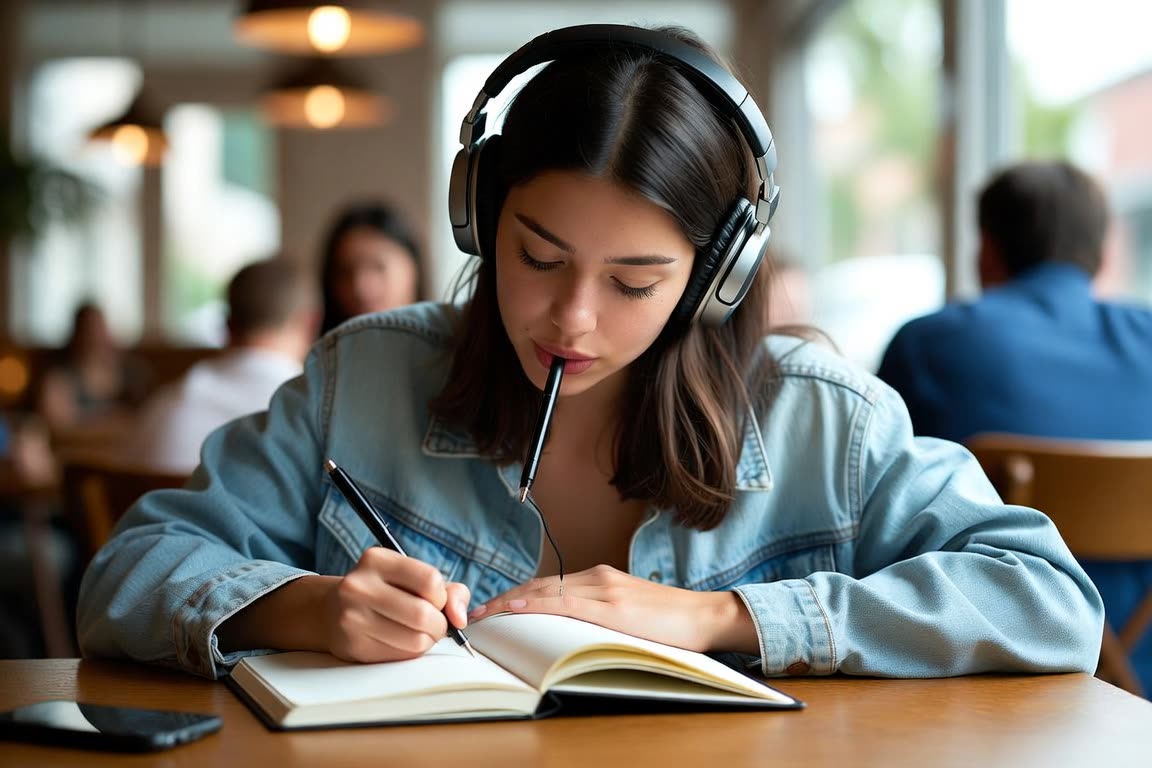
  • 一个戴耳机的年轻女生在咖啡馆桌前往本子上写歌词

    A lyrics tab you can edit

    The AI rap generator’s lyrics tab drafts a verse you can edit line by line, with rhyme groups and syllable estimates. It is the same free writer as the lyrics page: 8 or 16 bars, no account, and no saved draft unless you copy or download it.

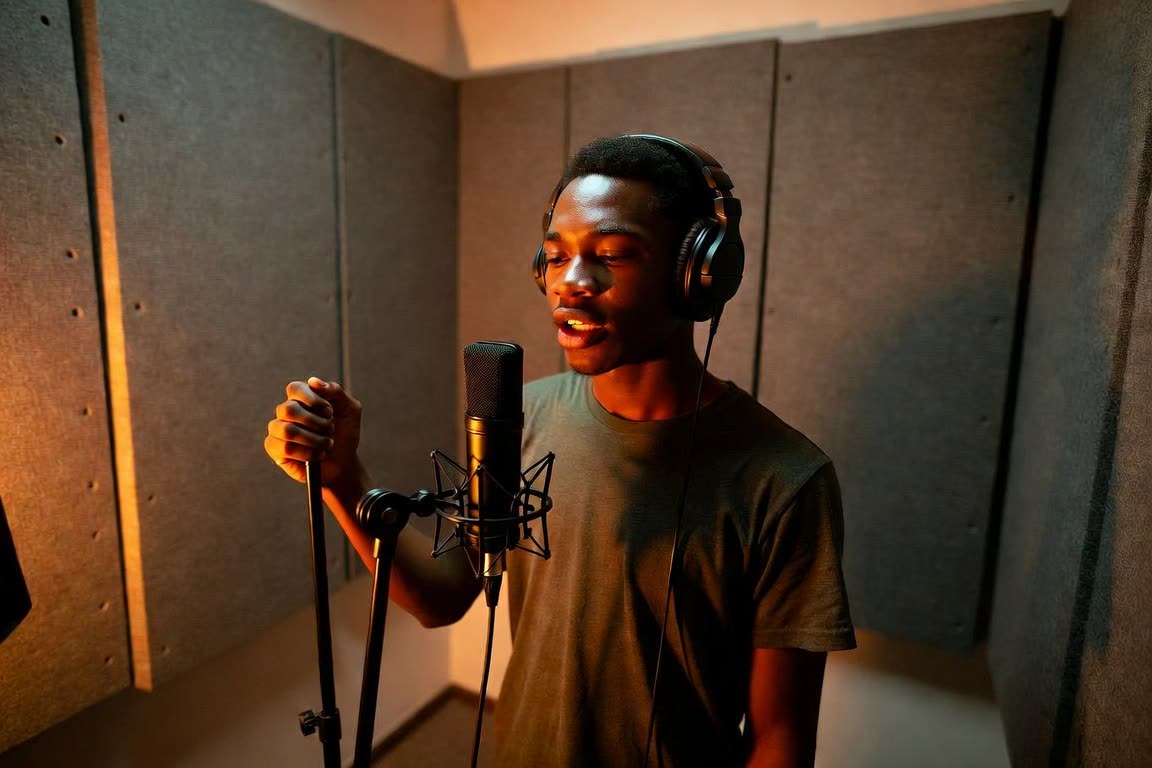
  • 一个年轻男子在家里的录音隔间录一段说唱

    A song tab for audio

    The AI rap generator’s song tab drafts a verse, chorus, verse and chorus, then can generate audio after you review it. Styles, male or female direction, and tempo live on that tab. Writing stays free. Sound uses the preview or 10 credits.

  • 一个少年坐在卧室地板上用手机写歌词,身后挂着串灯

    Writing stays free without sign-in

    The AI rap generator lets you draft and edit in either tab without an account. Sign-in starts when you ask for audio, including the free preview. The sign-in button keeps the reviewed draft in this browser and brings you back.

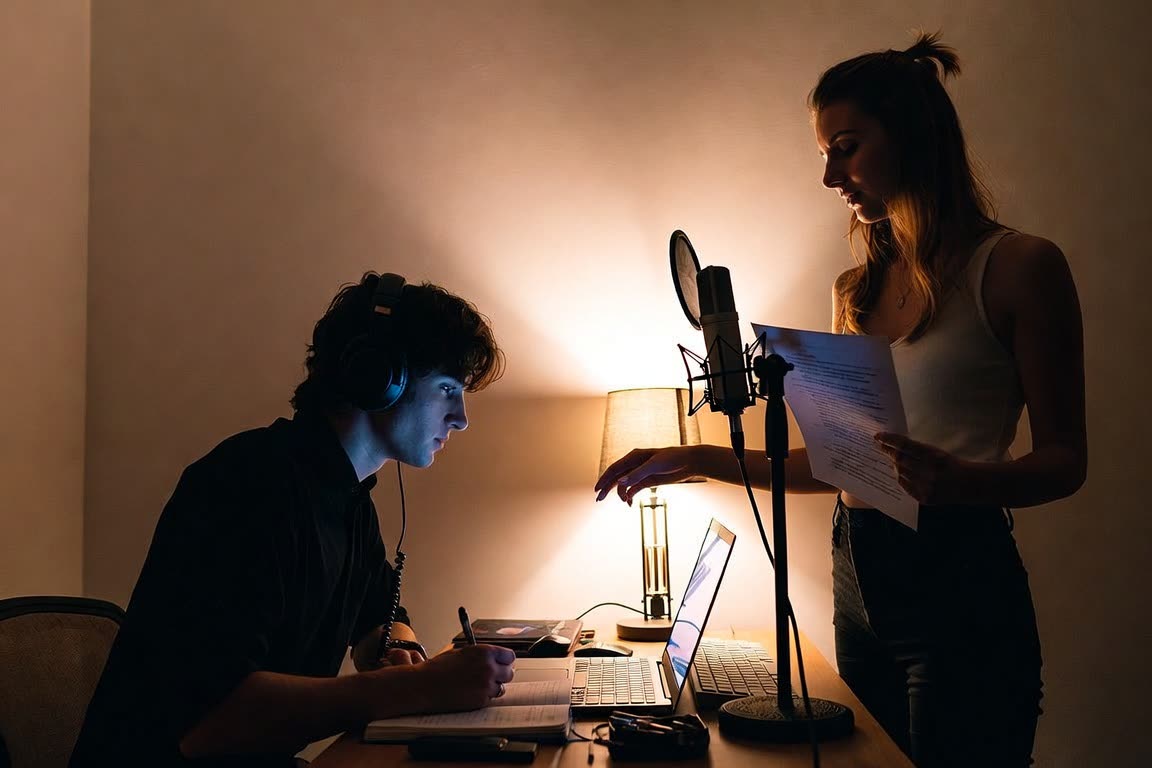
  • 两个朋友在家庭录音室,一人在桌前写词,一人站到麦克风前

    The idea carries between the tabs

    The AI rap generator shares the idea field between the lyrics tab and the song tab, up to 200 characters. Switching tabs keeps both forms. A generated verse stays its own result until you choose Turn these lyrics into a song, which passes the current words across.

Who is the AI rap generator for?

  • Writers who are not sure which output they need

    The AI rap generator is for when you know the idea and not yet whether you need bars or a song. Keep the same idea, try the lyrics tab, then open the song tab without retyping. Decide after you can see the words. Audio can wait.

  • People who want to hear a verse

    The AI rap generator’s song tab is the place to hear a verse: a preview of up to 50 seconds, then 10 credits if you unlock both versions as MP3s. One free preview is available per signed-in user and IP every 24 hours. The lyrics tab never spends credits.

  • People who edit line by line

    The AI rap generator keeps line rewrites on the lyrics tab and section tags on the song tab. Paste at least 4 lyric lines if you already have the verse. Short pastes can grow a chorus and a second verse without changing your lines. Read it before you generate audio.

  • People heading to a photo template next

    The AI rap generator does not render a video from text. That mode is not live. When you want a picture today, leave for a photo template and its built-in song. The six you can make are Burning Bridges, Outstanding Tiny Desk, ATEEZ Drip, No Hands Dance, Thanksgiving Dance and I Love The Smiths.

How do the lyrics and song outputs compare?

These are the two outputs available on this page. Choose according to what you need next.
FeatureLyricsSong
What you getWritten bars, rhyme colors, syllable estimates, and line rewritesFree editable verse / chorus / verse / chorus draft, then two audio versions and unlocked MP3 downloads
CostFreeLyrics are free; audio has a free preview if quota remains, or 10 credits to generate unlocked or unlock both versions
Sign-inNot requiredNot needed for lyrics; required for audio
Best forWorking on wording before recording or generating audioHearing vocals and a beat, comparing delivery, and saving complete audio

When should you choose lyrics instead of a song?

Choose text when the writing is the work: a birthday verse, a practice exercise, or a hook needing a better ending. Generate 8 or 16 bars, compare the rhyme groups, and rewrite one line while keeping the rest.

Choose Song to work toward a complete performance. Draft clean verses and a repeated chorus, then edit for free. Paste a short verse to add matching sections while keeping your lines, or use a tagged draft unchanged. Only after review does the second step request two audio versions.

Choose the next decision you need to make: settle the story with text, or assess delivery with an audio preview. Judge whether the result suits its audience.

How do you give a rap AI a useful idea?

Start with a scene, not adjectives. "Confident, exciting, catchy" does not say what happens. "A night-shift cook saves for a first studio session" gives the verse a character, routine and goal. Add a concrete detail, such as a stained apron or empty train.

Keep the point of view consistent: is the speaker telling their story, addressing a friend, or watching someone else? Pick a style that fits. Comedy can frame exaggeration; Boom Bap or Old School can suit narrative. These are directions, not rules about which stories belong in each genre.

Your brief need not supply every rhyme. Paste exact words into Song, then review any added chorus or second verse before requesting audio. Use material you have rights to use and keep it clean. Settle the story and hook before spending credits.

How can you refine a draft before generating audio?

Read the verse aloud. Rhyme colors suggest end-rhyme groups; syllable estimates can flag crowded lines. Neither is a musical score. A tidy count can still sound awkward, so listen for natural pauses and check where each thought finishes.

Rewrite one line for a vague setup or ending, or change the whole verse's tone. Keep wording you like. The song link passes the current draft through browser session storage, without lyrics in the URL. Review the added chorus and second verse in the free lyrics step, then edit before audio.

Shorten crowded lines, repeat the hook clearly, and use punctuation for breathing space. Section tags mark verse, chorus, verse, chorus on separate lines. Edit them along with the words. The model may pronounce, repeat or stretch phrases differently; result lyrics show submitted text without timed captions.

What changes when you choose a song preview?

Review lyrics for free before spending credits. Audio needs an account, with 1 free generation per rolling 24 hours per user and IP. Two complete tracks are created, with a preview of up to 50 seconds each, capped at 40% of parsed duration. Compare the openings before deciding whether to unlock.

Unlock both versions for 10 credits. Paid generation costs the same and starts unlocked, with full playback and MP3 downloads. The button shows your choice before submission. Failed paid generations are refunded; failed free generations release the user and IP allowance. Deleted generations still count unless they failed.

Review the full audio and save your MP3s. Files expire 7 days after creation; unlocking does not extend retention. The AI rap video generator link below leads to the separate video templates.

Why use the AI rap generator?

The AI rap generator puts the free lyrics writer and the song writer on one page so you do not have to guess which URL you needed. The idea field is shared, up to 200 characters, and both forms survive a tab switch. Lyrics gives you 8 or 16 editable bars with rhyme colors. Song gives you a 16-line verse, an 8-line chorus, a second verse, and the chorus again.

The AI rap generator still separates free writing from paid audio. You can draft, paste and edit without signing in. Audio asks you to sign in, then offers 1 free preview per user and IP every 24 hours or an unlock at 10 credits. A preview is capped at 50 seconds and 40 percent of the song. One request returns two versions. Full playback and MP3s arrive when the song is unlocked, and the files last 7 days.

The AI rap generator is the right page when the output you want is words, or words plus a song. It is the wrong page when the output you want is a video of somebody on screen. Text-to-video is not live. Photo templates are. Unlocked songs may be used personally and commercially under the terms. Template videos are for personal use and social posting. Neither result clones a real person’s voice.

What should you know about these two rap tools?

Looking for a visual template next?

Explore the home studio's existing video templates and the inputs each one accepts.

AI rap video generator